
Guide
Is this email or text a scam? Here's how to tell
When in doubt, do not click. We'll walk through the warning signs and what to do.
Which device are you using?
Steps look different on each one. Tap yours and we'll tailor every step for you.
Pause before doing anything
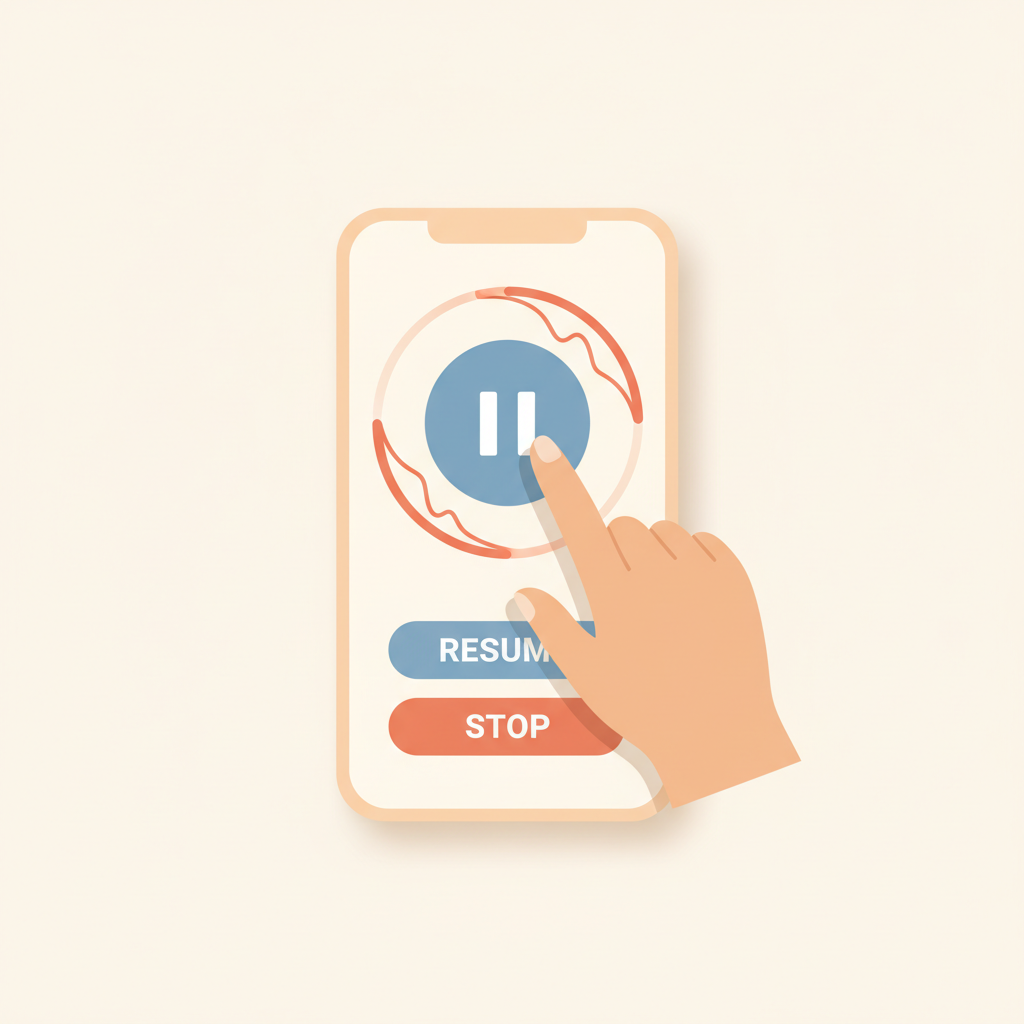
Scams work by making you feel rushed. Take a deep breath. A real bank, hospital, or government office will give you days, not minutes.
Check who really sent it
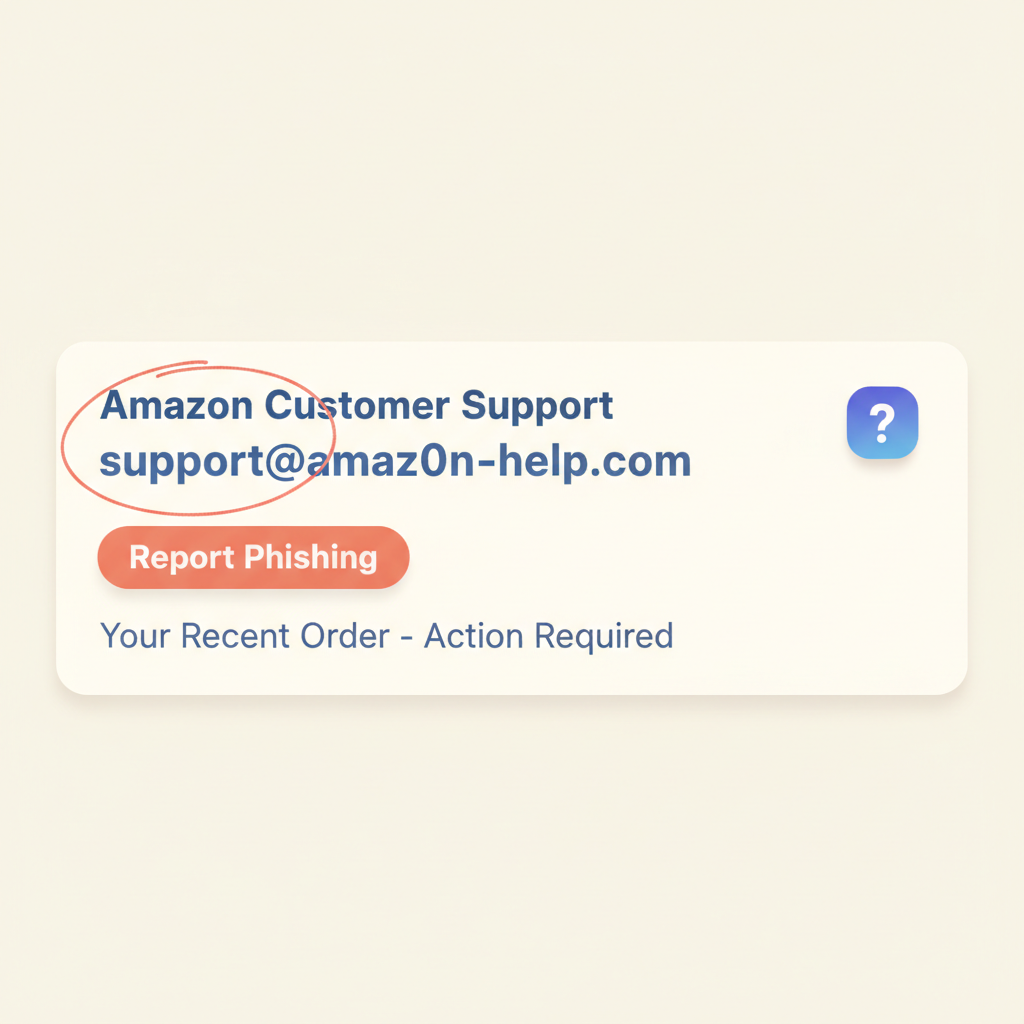
Look closely at the sender's email address or phone number. Scammers use addresses that look almost right — 'amaz0n.com' with a zero, or 'apple-support@gmail.com' instead of @apple.com.
Watch for urgent or scary language
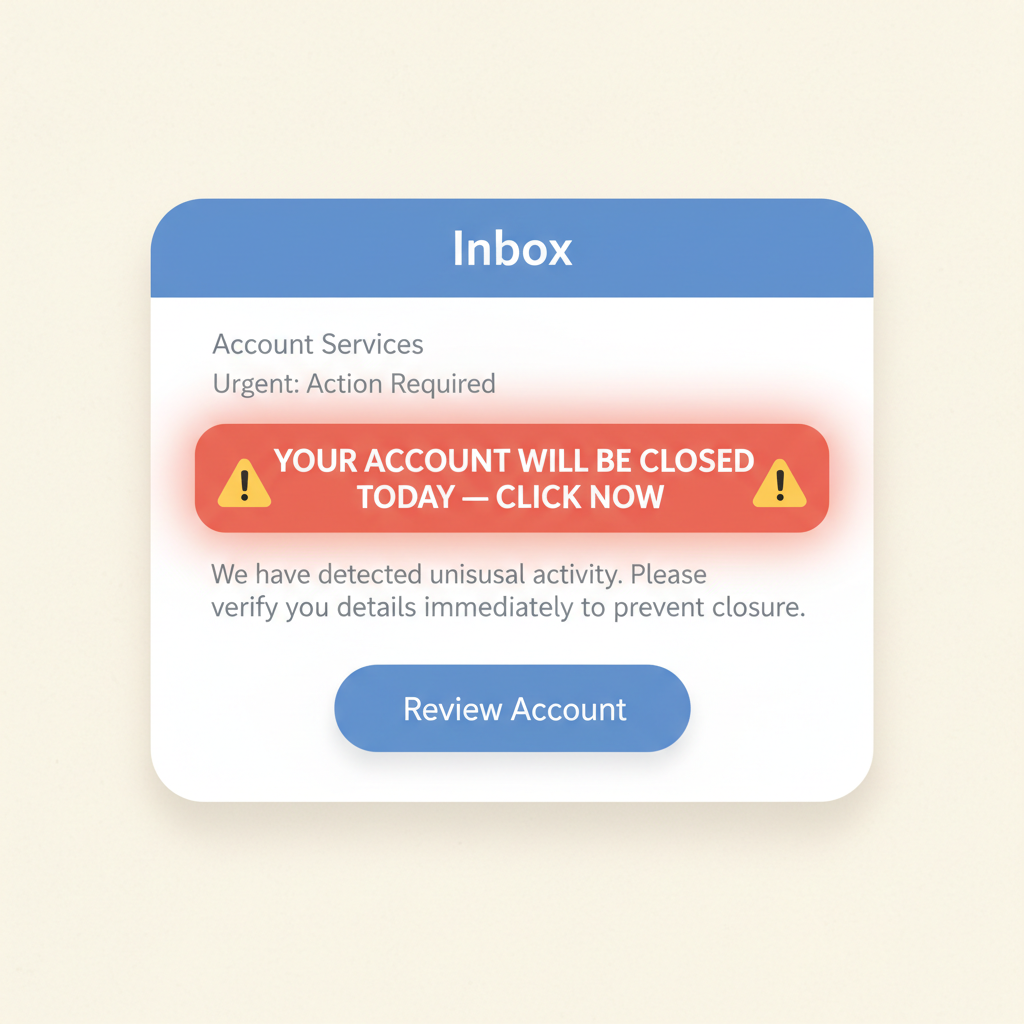
Phrases like 'Your account will be closed today!', 'Final warning!', or 'You owe money — click here' are big red flags. Real companies don't talk that way.
Hover over links before clicking
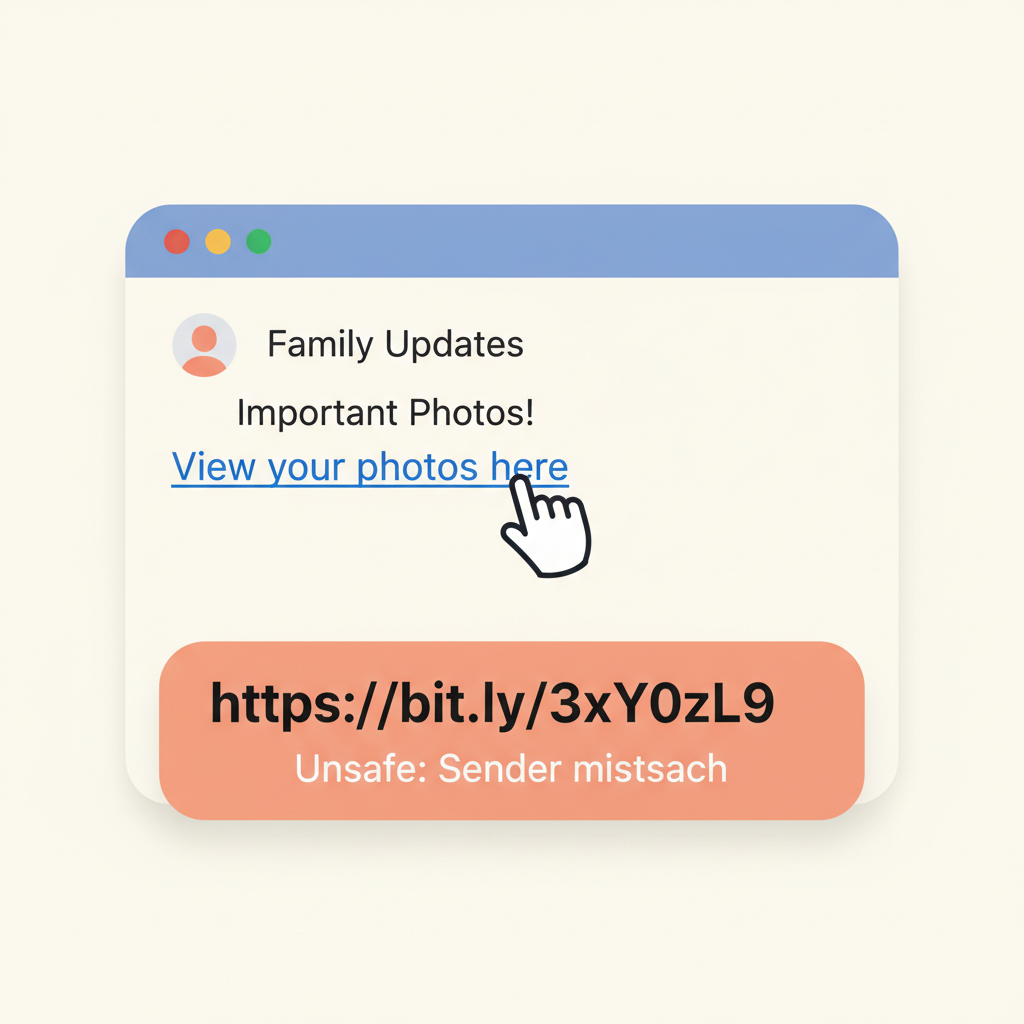
On a computer, rest your mouse pointer on the link without clicking. The real web address will appear at the bottom of the screen. If it doesn't match the company's name, do not click.
💡 On a phone, press and hold the link — a preview pops up showing where it really goes.
Never share passwords, card numbers, or codes
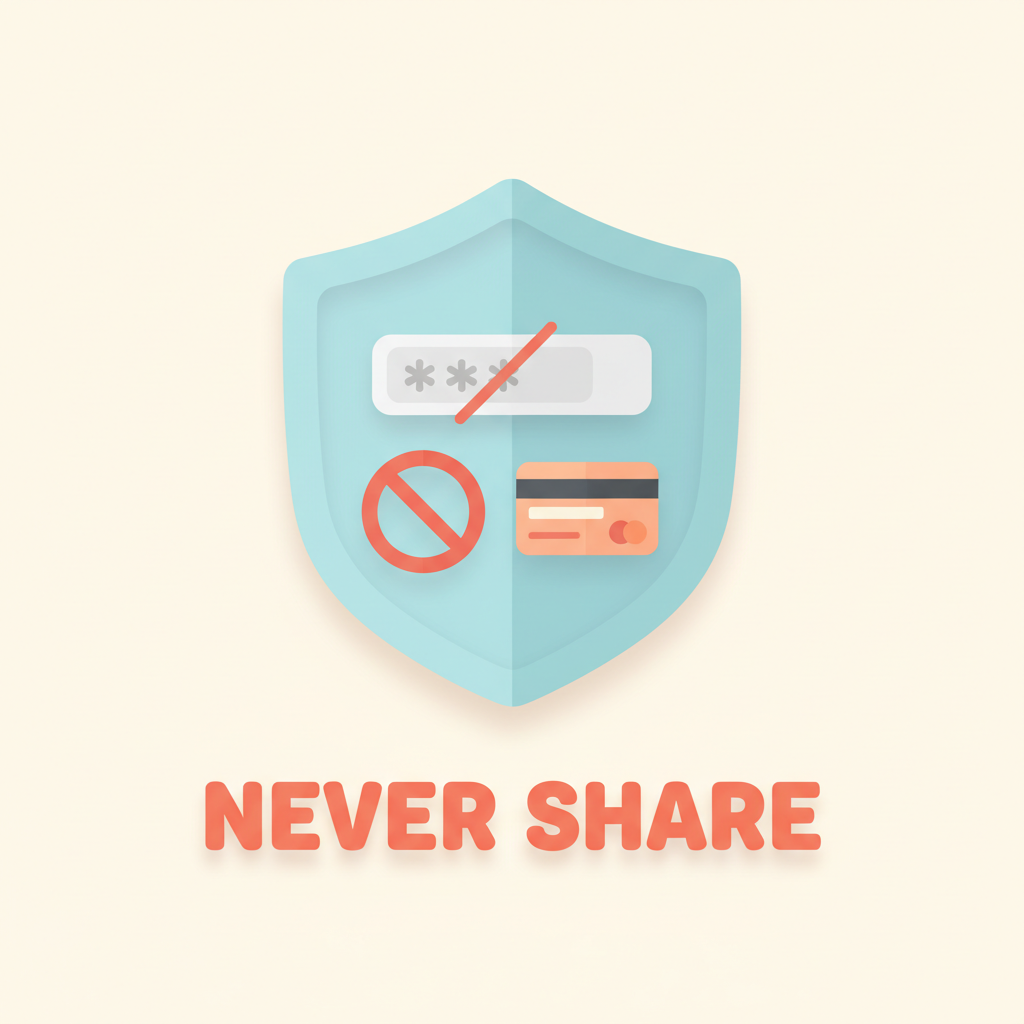
A real bank, the IRS, Amazon, or Apple will NEVER ask for your password or a verification code by email, text, or phone. If someone asks, it's a scam — every single time.
When in doubt, call the real company yourself
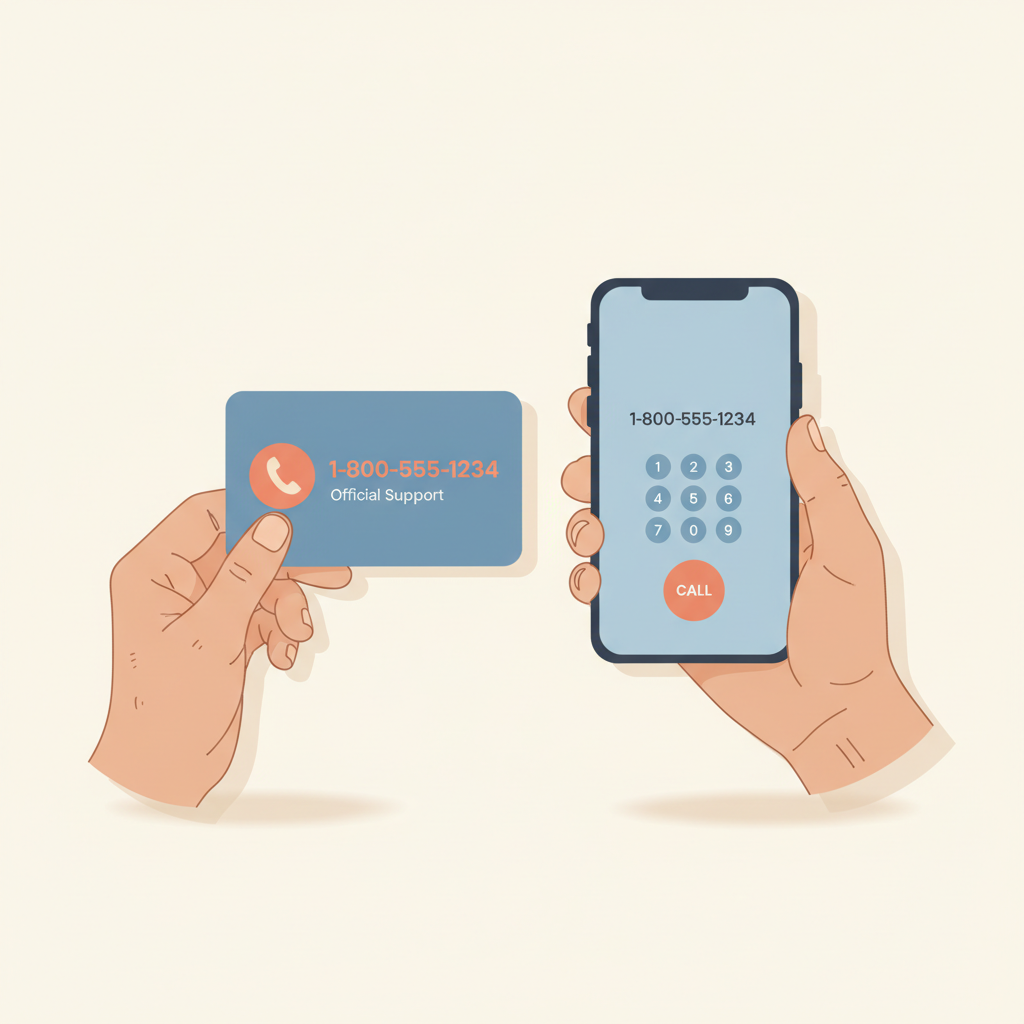
Don't use any phone number in the suspicious message. Instead, find the official number on the back of your bank card or a real bill, and call that.
Delete it and report it
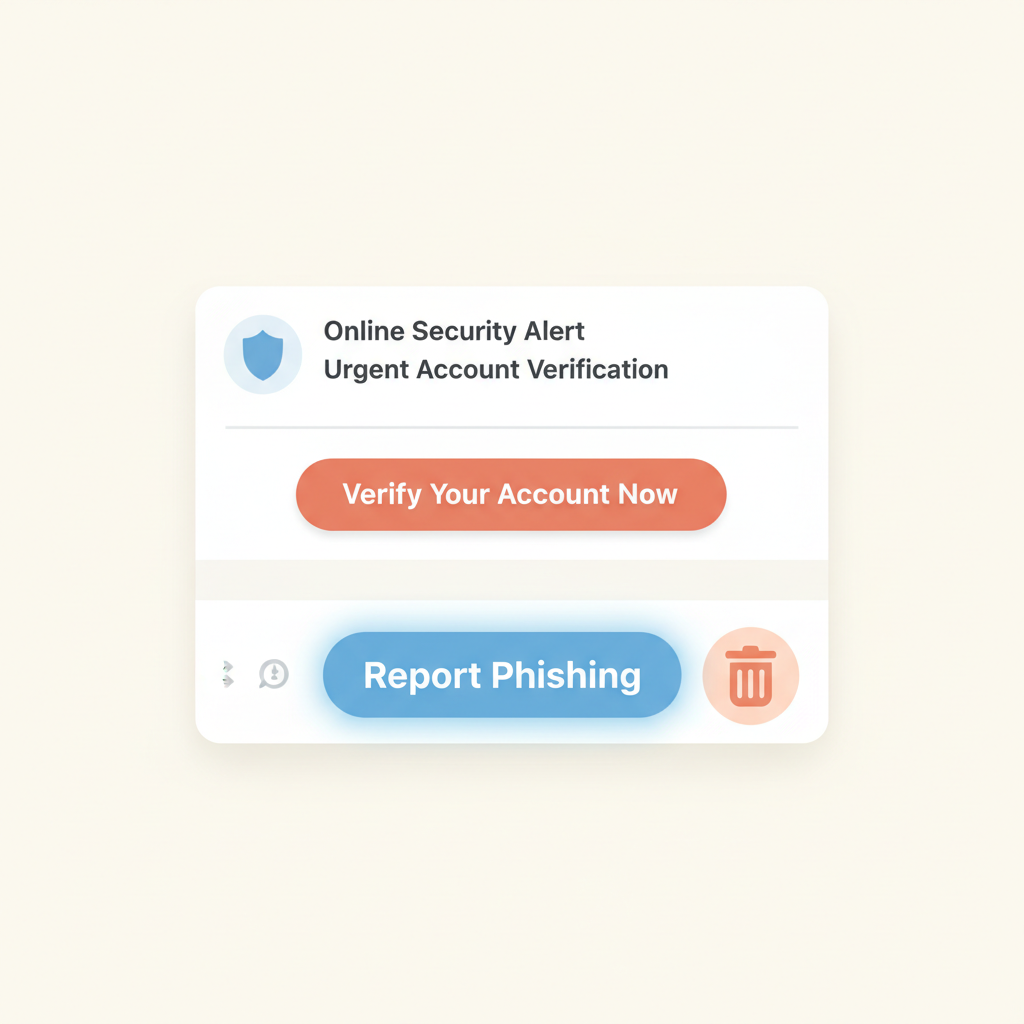
In email, click 'Report Spam' or 'Report Phishing'. In texts, forward suspicious messages to 7726 (which spells SPAM). Then delete and don't think about it again.

Stuck on a step?
Take a picture of your screen and I will tell you exactly what to click.
New to screenshots? On Windows press the "PrtScn" key. On a Mac press Shift + Command + 4.