
Guide
There's no sound on my computer, video, or Zoom
Nine times out of ten, the volume is muted or pointed at the wrong speaker. Let's check.
Which device are you using?
Steps look different on each one. Tap yours and we'll tailor every step for you.
Find the speaker icon
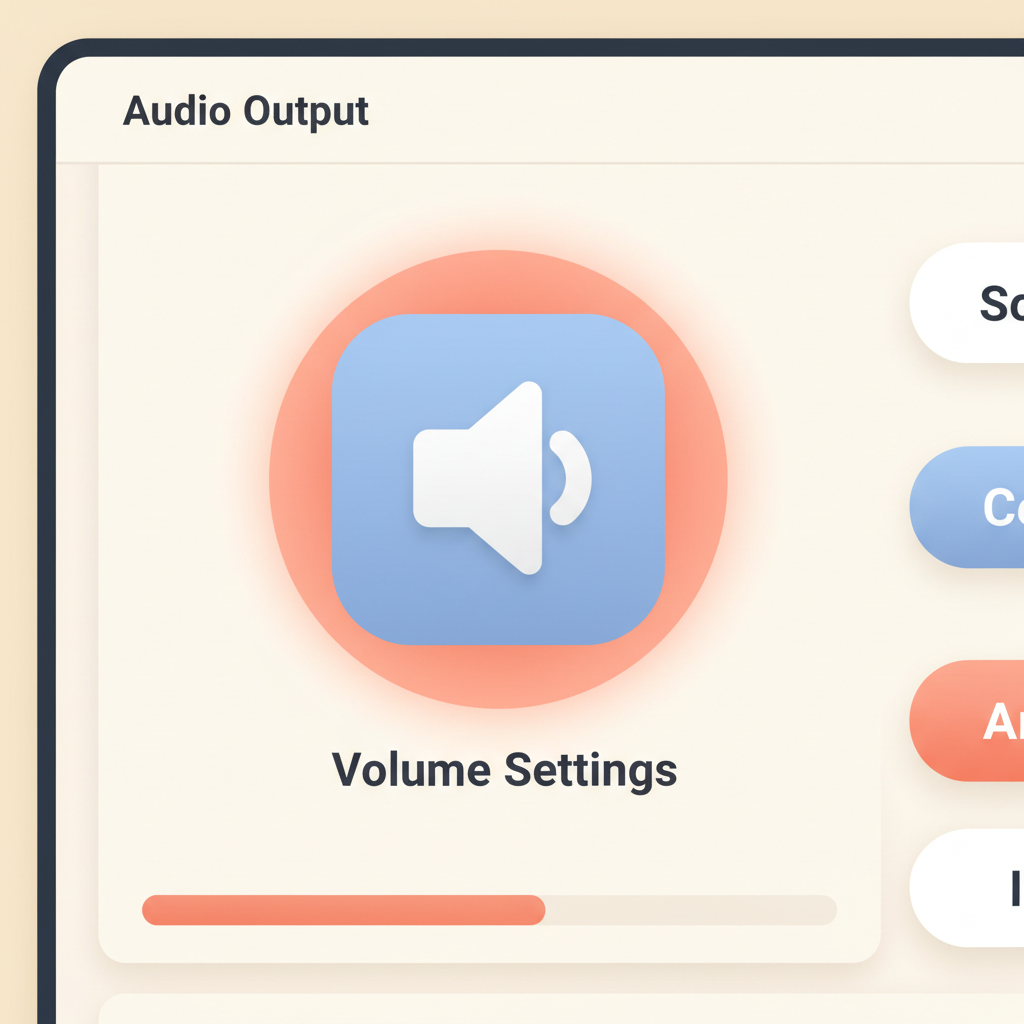
On Windows, look at the bottom-right of the screen. On a Mac, look at the top-right. The speaker icon is small but easy to spot.
Make sure it isn't muted
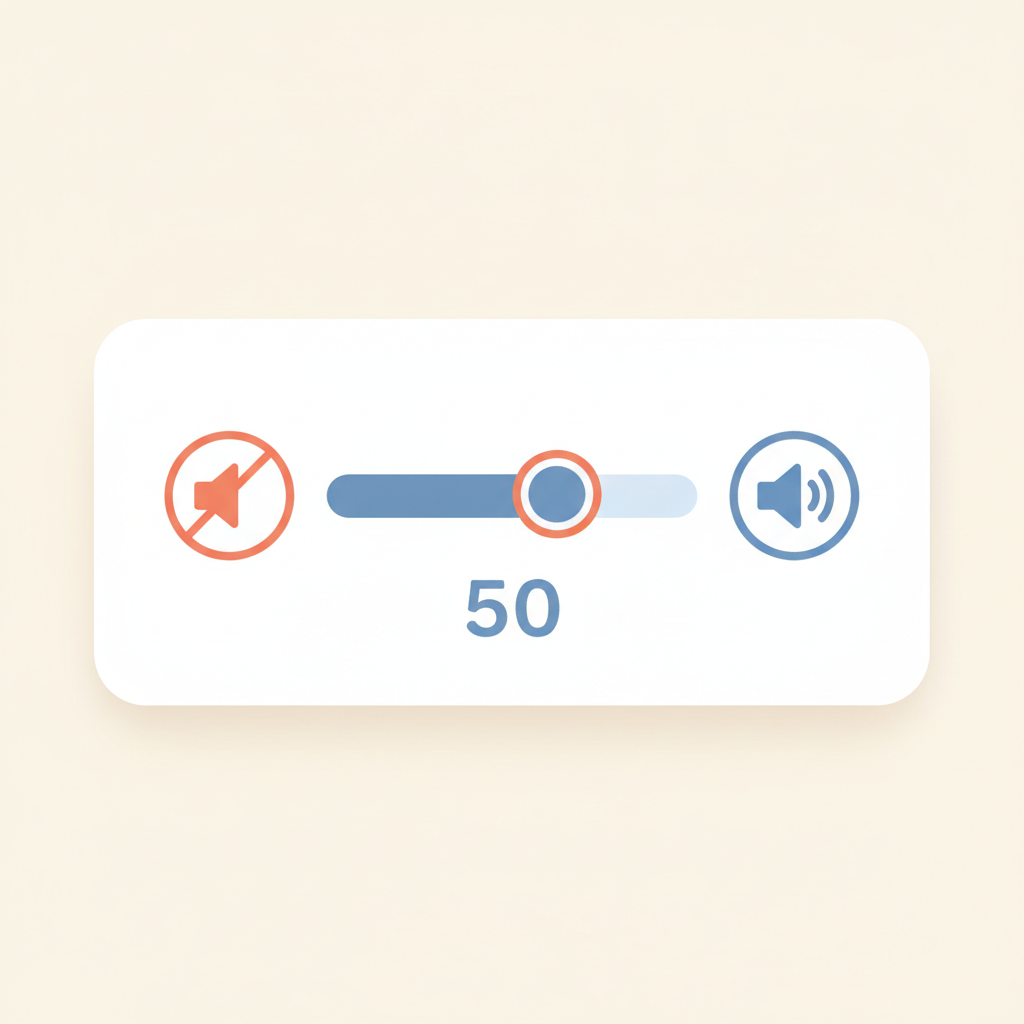
If the speaker icon has a circle with a line through it, sound is muted. Click the icon once and click again on the speaker to un-mute. Drag the slider halfway up.
Check the volume in the program itself

Many videos (YouTube, Zoom, Netflix) have their own volume control too. Look for a little speaker icon inside the video window and drag it up.
Unplug your headphones
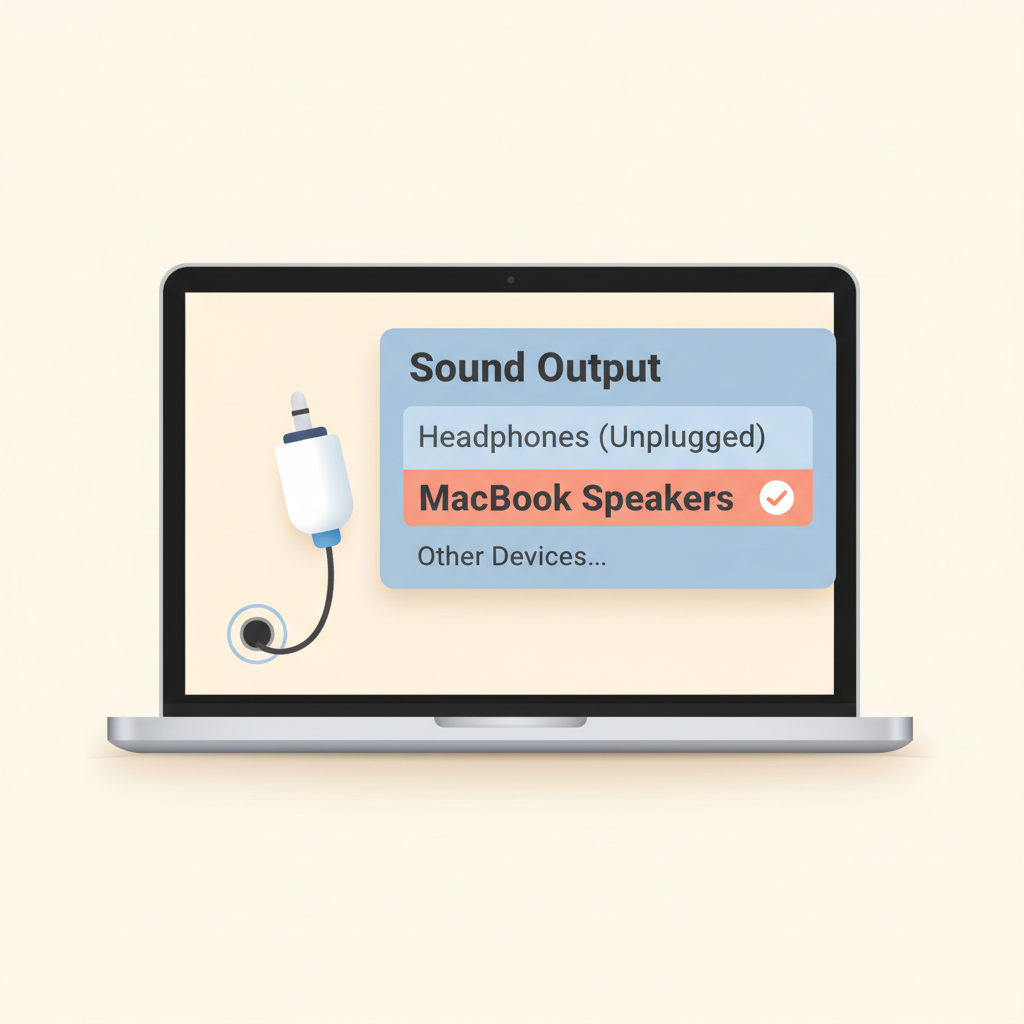
If headphones are plugged in — or paired by Bluetooth — sound goes to them instead of the speakers. Unplug them and try again.
💡 On a Mac, click the speaker icon → choose 'MacBook Speakers'. On Windows, click it → pick 'Speakers' from the list.
In Zoom: check the audio settings
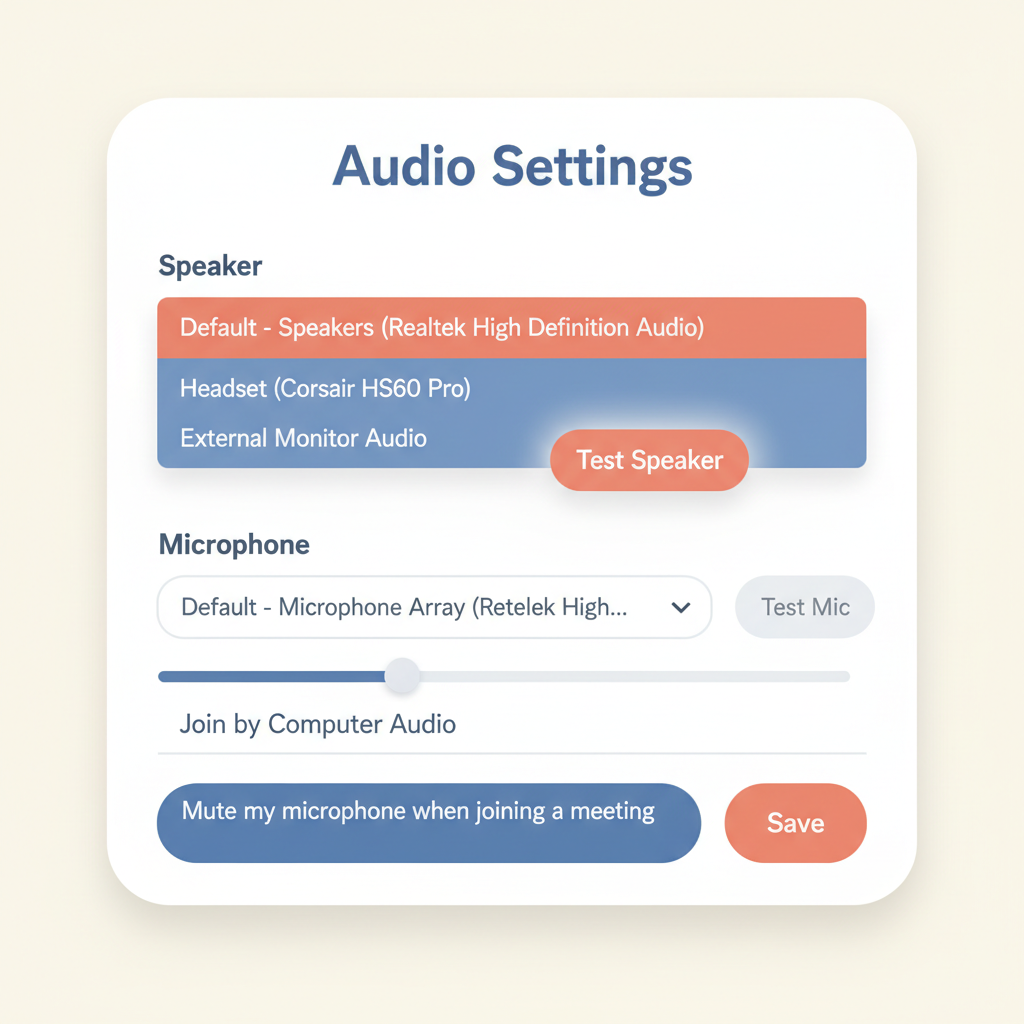
Click the small upward arrow next to the microphone in Zoom. A menu opens. Make sure 'Speaker' shows the right name, and click 'Test Speaker' to hear a tone.
Still silent? Restart the computer
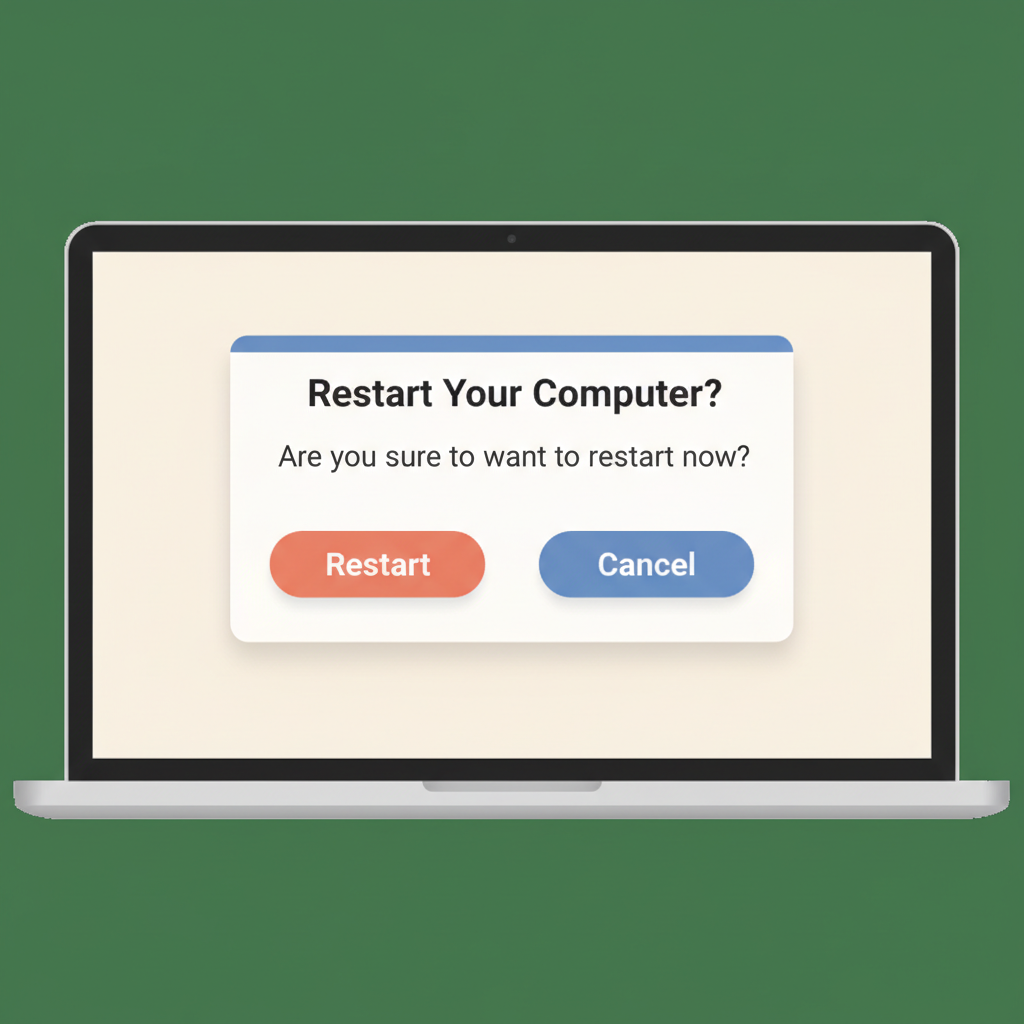
Save your work, restart, and try again. This fixes most sound problems for good.

Stuck on a step?
Take a picture of your screen and I will tell you exactly what to click.
New to screenshots? On Windows press the "PrtScn" key. On a Mac press Shift + Command + 4.